
3-D Covers for E-Books and Boxes by An Unknown Talents Production - HTML preview
PLEASE NOTE: This is an HTML preview only and some elements such as links or page numbers may be incorrect.
Download the book in PDF, ePub, Kindle for a complete version.
Download the book in PDF, ePub, Kindle for a complete version.
8
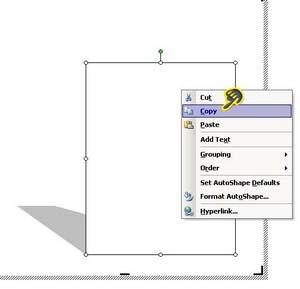
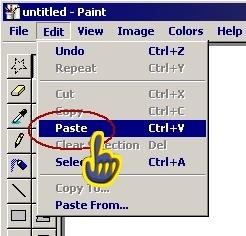
Then paste it in a blank Paint session – make sure the cube is place on the left hand side of the Paint area.
Return to the word file to create a shadow. Click on the cube and select the shadow tool, from this new pop up, select the shadow style 11.
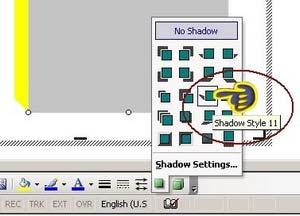 Word will change your 3D box to a 2D sheet and ad a basic shadow, right click and copy this new photo.